
Inside the platform
Modules and features
Explore tools for your daily work. Every module included in every package, with all of its features.
Need a custom module?The archive that reads the documents for you
On upload the document type is «Automatic»: you choose nothing. Custodo opens the file, reads it, works out which of your company's types it is, and pulls the data out of it — number, dates, amounts, who is on the other side. When it is not sure enough it does not guess: it sets the document aside and writes «not recognised», because a wrong number costs more than a missing one.
In the video · 2:25
- 157 built-in Italian document types, and not only fiscal ones: incoming and outgoing invoice, credit note, F24, DURC, company register extract, delivery note, payslip, CU, general ledger, VAT registers, annual accounts, DVR, then HR, health and safety, privacy, logistics and procurement. 69 are on from the start, the rest you switch on when you need them
- And your own, with the fields you decide: Custodo pulls out what you asked for, not what we assumed
- You search inside the documents, not in the filename — scans and photos included, because it reads them
- The extracted data becomes columns and filters on the list: group it, choose what to see, and save the view you use every day
- Every version stays as it was, and you always know who opened or downloaded what
- Only the HR role opens People: payslips, contracts and certificates are seen only by whoever holds the role, not even by an administrator automatically, and every assignment stays in the activity log
- Every type is kept for as long as you decide, and a document that must not disappear can be locked
Legal preservation, connected to your business work
Expense claims and receipts, invoices, contracts and signed documents retain their value after the task is closed. Custodo connects these documents to a legal preservation process in the same environment where you manage them, with rules and responsibilities defined for your business.
In the video · 1:27
- In-house preservation: a process under AgID guidelines, with a designated officer and business-specific rules.
- Continuity across processes: accounting documents, expense claims, receipts, contracts and signed documents in the same working environment.
- Documents to retrieve over time: from submission to preservation and dissemination packages.
- Connected archiving and preservation: the Archive organises documents and their versions; the Preservation module handles the dedicated process.
Every case has its own number, and the replies join it by themselves
Open a protocol for the case — a contract, a dispute, a loan — and Custodo gives it its number: 2026/0042. Inside it you register whatever concerns it: the PEC that arrived, the reply that went out, the document in the Archive, the counterpart’s contact record, yesterday’s phone call. Each registration has its own sub-protocol, 2026/0042.3, and opening the protocol shows it all together. It is the company’s internal register, not the electronic register (protocollo informatico) that public administrations must keep.
In the video · 1:34
- Custodo assigns the number: it restarts every year, with no gaps and no duplicates, with the company’s prefix if you want one — ACME-2026/0042
- You register documents, email and PEC, WhatsApp chats, contacts, tasks, appointments, deals, checklists and table rows, or a note for a letter that came on paper
- Replies join by themselves: an email written from the protocol carries the number in its subject, and the replies that quote it are registered without anyone touching them
- A message that only quotes the number waits for the owner to confirm it: a number can be guessed, a conversation cannot
- Register in a protocol without leaving the Archive, the mail or a contact; a label on the document’s or message’s row shows where it is registered
- Cancelled, never deleted: a wrong registration stays struck through, with its reason, and a number never becomes free again
- The Register of every registration, to filter and export, and restricted protocols that only the right people see
One register for every company and person you work with
Customers, suppliers, agents, employees, contractors and consultants live in one place, and every module reads them from there: the CRM hangs its deals on them, Document collection picks its recipients from them, Signatures its signers, Mail its addresses. And a contact’s record gathers by itself what the other modules know about it — the documents carrying its VAT number, the emails exchanged, the deals, the document requests, the signature envelopes.
In the video · 1:31
- Roles instead of labels: customer, prospect, supplier, agent, employee, contractor, consultant — plus the ones your company needs. A contact can hold more than one
- You decide who sees employees, person by person: someone who does not see them finds them nowhere — not in the list, not in search, not in exports or in AI assistants
- Everything about it, without linking it by hand: the documents carrying its VAT number or fiscal code, the messages to and from its email or PEC, the envelopes signed from its address — and always only what you could already open
- Link a document or an email to one or more contacts from the Archive and from Mail, and filter the Archive by contact: every invoice from one supplier, in one click
- The Italian tax fields, properly checked: VAT number, the fiscal code of a company or a person, the e-invoicing recipient code and the PEC address. A duplicate is a warning, not a block — branches of one group share a VAT number
- The people of a company under its record, several addresses with the names you use, and Excel import and export
Shared lists, one source
Reference codes, categories and price lists have a dedicated home, instead of a spreadsheet for each. Define the columns and use the same values in Workflows, Tasks, CRM and Expenses fields, with the permissions you assign.
In the video · 1:13
- Configurable columns for your business data
- Shared values in fields across other modules
- Access to individual tables assigned to colleagues
- Search and manage rows in the same workspace
Your assistant connects by pasting one address
You copy one address out of Custodo and paste it into Claude or ChatGPT. From then on the assistant you already use can search your documents, read the mail, look at your deals and put a summary together — and you decide, one item at a time, what it is allowed to do. Nobody technical is needed: the connection configures itself, over MCP — the standard Claude and ChatGPT already speak.
In the video · 1:27
- It searches the documents, reads mail and PEC, looks at deals and approvals and puts a summary together — plus five ready-made questions
- It cannot sign. Ever. Signing is a person's decision and we do not hand it to a program: that is a choice, not a gap
- You build your own assistants inside Custodo: give it a name, write in plain words what job it does, and tick what it may touch
- It runs when you say: by hand, every morning at a set time, or the moment something happens — a PEC arrives, a contract gets signed, an approval falls behind
- It never sees more than whoever created it. Take a permission away from that person tomorrow and the assistant loses it at the same moment
- A switch that stops everything, a ceiling on how many requests it can make, an «ask me before writing anything» option, and a log of what it did and what it cost
Mail and PEC, where you actually work
Not a mail archive you consult when you need to: the inbox you sit in all day. It connects to the one you already have, groups conversations, lets you act on many messages at once, and keeps the compose window at the bottom while you carry on reading. And underneath, every message kept for good exactly as it arrived.
In the video · 1:43
- Fast from the keyboard, like the mail you already use: scroll, archive, reply and forward without touching the mouse
- The draft saves itself every two seconds, each mailbox has its own signature, and there is undo send for when you hit the button too early
- You search the way you speak: «from: Rossi», «subject: invoice», «has: attachment». It works in Italian too
- PEC receipts — acceptance, delivery, non-delivery — stay attached to the message they certify, not scattered in a folder
- Images inside emails do not load until you ask for them: opening a message does not tell the sender you opened it
- You decide who sees which mailbox, one person at a time. Somebody who was not given access does not see it — it is not hidden, for them it does not exist
WhatsApp from the company’s number, without passing a phone around
You link the company’s WhatsApp numbers to Custodo the way you link its mailboxes. Whoever is allowed reads the chats and replies from the company’s number, on the computer or in the app; messages written on the phone itself appear in the same conversation. And every chat carries the customer’s or supplier’s name when the number is on their contact record.
In the video · 1:06
- Several numbers — support, the office, a salesperson — each with its own chats, searchable by name or number
- Opening is reading: the unread count clears for every colleague, and the customer gets no blue ticks
- The WhatsApp number sits on the contact record: «Write on WhatsApp» starts from there, and the chats are listed there too
- A document from the Archive goes out on WhatsApp as a file, and in the chat it reopens from the Archive
- Who reads, who replies and who links the numbers is up to you, through each person’s permissions
- A number links like WhatsApp Web, by scanning a QR code: better a dedicated number than the company’s main one
No more chasing approvals by email
Who approves what, in what order and by when — you decide it once. After that every request travels that road on its own: it reaches the right person, reminds them of the deadline, and waits there for days if it has to, without anyone having to remember it. Whoever starts one needs to know nothing about how it is built: they pick the document and go.
In the video · 1:31
- Named routes — «invoice approval», «expense authorisation» — that you start by hand, or that start themselves the moment a document is ready
- Several people on one step: all of them must approve, any one will do, or at least two out of three
- Rules on the amount: above the figure you set the owner is needed too, below it they are not. The €40 expense never reaches their desk
- A deadline on every step, and the questions you want asked — cost centre, job number, reason — put to whoever starts it and whoever approves it
- When somebody is on holiday their requests pass to whoever is covering. And the discussion stays attached to the request instead of getting lost in an email chain
- If you change the route tomorrow, requests already under way finish under the rules they started with: what was approved stays approved that way
Who does what, by when
Assign a task to a person or team and add a deadline, documents and steps to complete. Coordinators see the workload; each colleague finds the tasks involving them.
In the video · 2:11
- List and board views to see work by status
- Assignments, priorities, deadlines and team task claiming
- Checklist steps within each task, including separate assignees
- Comments, attachments and links to Archive documents
- Filters for assigned, created, team and participated tasks
Every contact, every check, one clear view
Assign a checklist to several colleagues and work in a full-page matrix with compact rows and columns: contacts on one axis, checks and documents on the other. Select a cell to update its status and open comments, documents and history.
In the video · 1:46
- To do, in progress, done: a status for each check, with comments and change history
- Supporting documents: link existing files or upload attachments; choose «Upload to Archive» to show them in the general archive too, keeping permissions and versions
- Roles and collaboration: coordinators create and assign; colleagues work on the checklists that involve them
- Start from a template: copy an existing checklist with the same checks and fresh progress
- Dashboard and Business Intelligence: notifications, outstanding work and progress charts
One calendar for what is on your agenda and for what falls due
Appointments with colleagues and the company’s deadlines in the same place. Deadlines are not typed in by hand: they come from the metadata of archived documents and from the other modules, so the policy that expires in March and Thursday’s meeting sit in the same week, on the computer and on the phone.
In the video · 1:05
- Events among colleagues, single or repeating, with a place, a meeting link, guests — people or whole teams — who answer Yes, Maybe or No, and up to three reminders
- The deadline calendar: the whole company’s deadlines in one calendar — the «Scadenza» date of archived documents, tasks, approvals, signature envelopes, collections, deals — each one reopens the record it comes from
- Two profiles: everyone sees their own calendar; whoever coordinates, with one more permission, sees the whole company’s. A private event stays “Busy” to anyone who is not invited, administrators included
- Month, week, day and agenda, with the organisation’s shared calendars — the meeting room, holidays — beside your own
- On your phone and in Outlook: a subscription address takes events and deadlines to the device’s calendar, read-only, and is revoked in one click
- Invitations, changes and reminders arrive in the bell, as a push notification and by email; every action lands in the activity log
Every tool has someone responsible, a place and its history
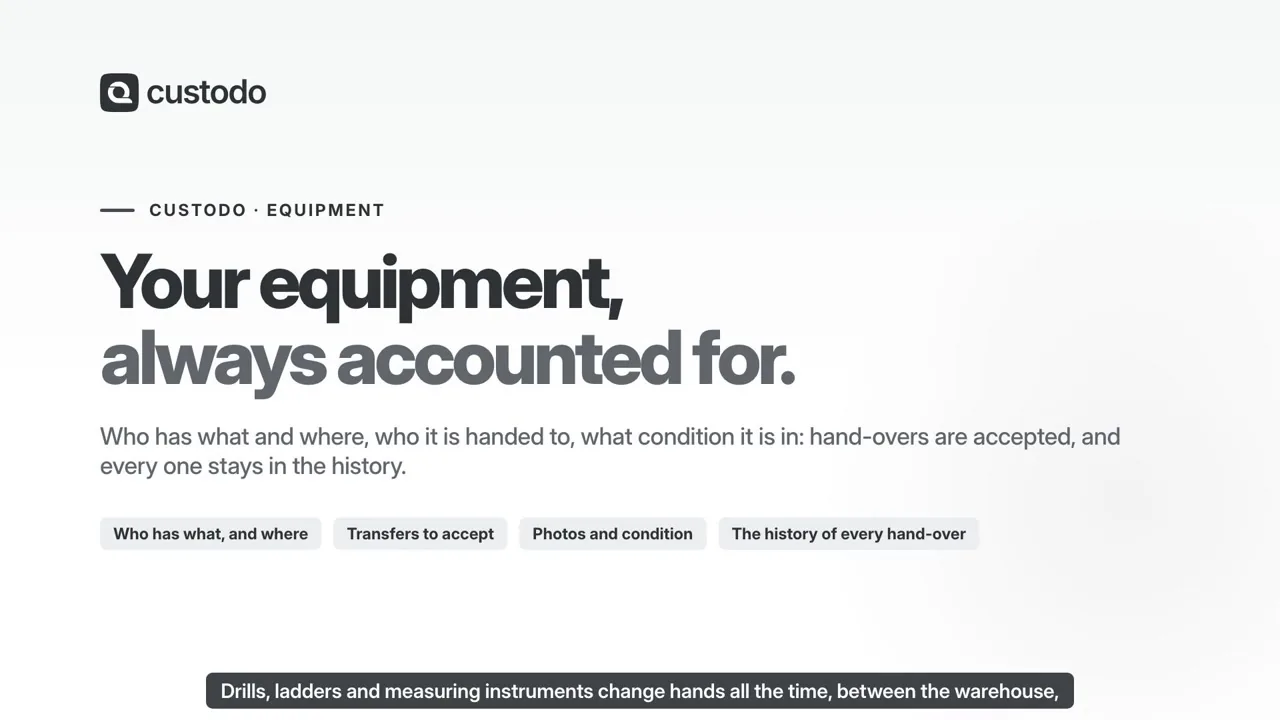
Drills, ladders, generators, measuring instruments: for each one Custodo knows who is responsible for it, where it is, who has it in hand and what condition it is in. When it passes to a colleague, they get a notification and accept it from the phone, saying how it arrived and taking a photo; until they accept, the responsibility stays with whoever handed it over. Every hand-over stays in the history.
In the video · 2:13
- Mine and All: the items you are responsible for, the ones being handed to you, and the full list with place and condition
- Transfer to a colleague: they are notified and accept or refuse, from the phone too; a manager can assign directly
- On accepting you say how it arrived — working, damaged, broken, under repair — with a note and a photo
- Held by a subcontractor, a workshop or a colleague: who has it in hand, even when they are not responsible for it
- Places and categories: warehouses, sites, vehicles and offices; the registry lives in Data tables
- History of every item: who had it, where and in what condition, with the photos
Expenses, from the receipt to the money going back
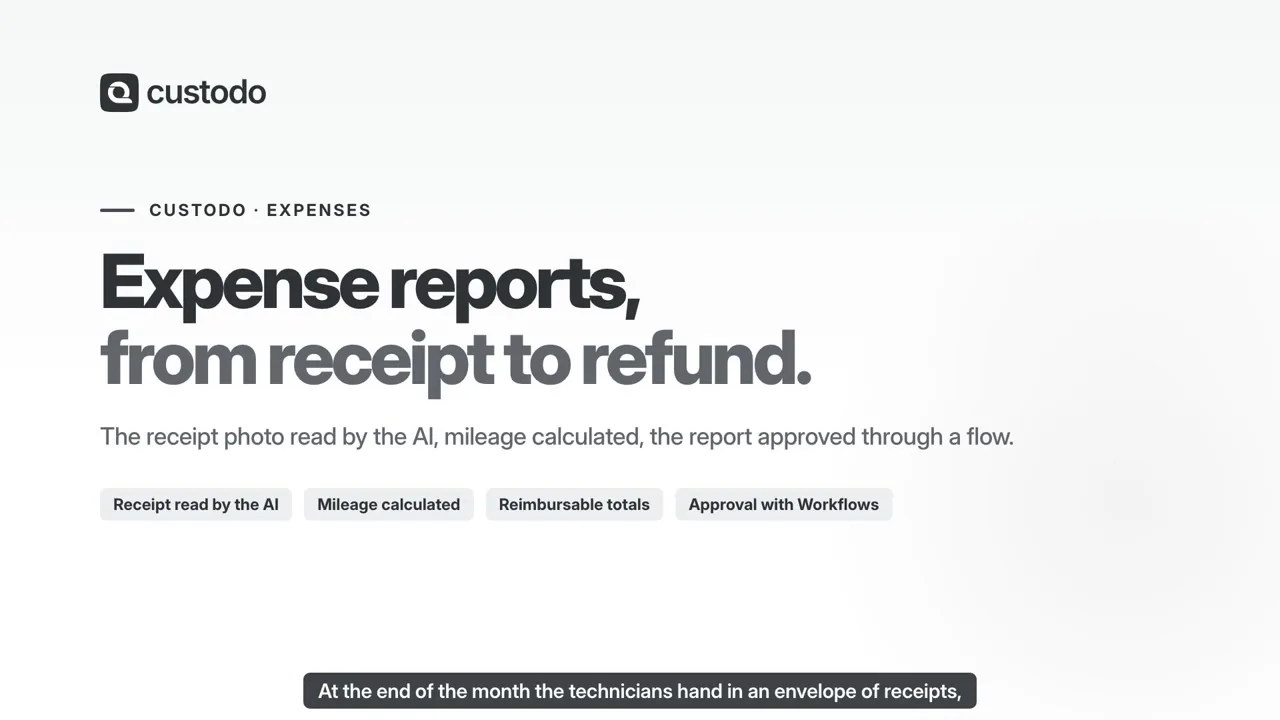
Your employee photographs the receipt where they are: at the restaurant, at the pump, at the station. The expense is created right there, with its category and how it was paid for. Lines gather into an expense claim that carries its own totals — what is to be reimbursed and what is not — and the claim goes for approval down the routes you have already written in Workflows. You do not see a colleague's spending: reading the whole company's is a permission of its own.
In the video · 2:12
- You photograph the receipt and that is all, from the phone, with the page cropped automatically. The AI is the one reading it — supplier, date, amount — and proposing the category: how many pages a month is what the package says
- Custodo works out the mileage, at the rate you set: whoever fills the form types the kilometres, not the amount. And a claim already approved stays on the rate of that day, even if you change it tomorrow. The distance comes off the itinerary and every employee can have their own rate
- The claim carries its own totals, split into reimbursable and not, and they freeze on submission: whoever approves reads exactly the numbers that were sent to them, not the ones recomputed today
- The approval is the one you already have: the claim enters Workflows under the rules written there — above the figure you set the owner is needed too. There is no second approval engine to learn, and you do not pay for it twice
- Spending caps warn; they do not block: the money has already been spent, and refusing the line does not unspend it — it only leaves it out of your own figures. Same for a duplicate: two identical receipts on one day are the trip out and the trip back, and whoever approves can see it was confirmed
- CSV and Excel export for your accountant and the claim as a PDF with its receipts attached, included — as is foreign currency, with that day's ECB rate kept on the line
Punch in from the phone, and at month end the timesheets are in the Archive
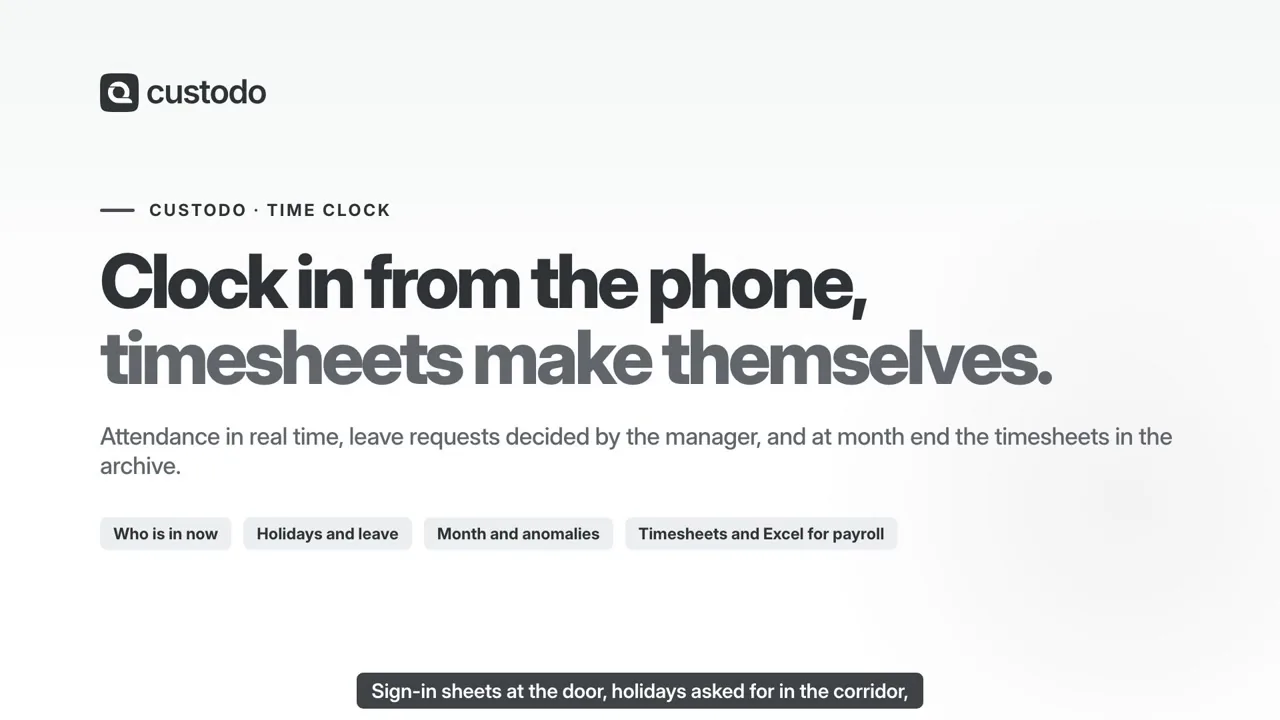
Employees punch in and out, breaks and lunch from the app, which checks they are inside the workplace’s area; from a computer they punch remotely, if their profile allows it. Holidays, leave and corrections are requested from the app or the web, and their manager decides them. HR sees who is working right now and everyone’s month, day by day; at month end it closes the month, and every employee finds their timesheet as a PDF.
In the video · 1:41
- From the phone, inside the workplace’s area: Custodo keeps the workplace, whether the employee was inside or outside and the distance, never the coordinates, and the phone uses the location only while the app is in use, never in the background
- No network, no lost punch: it stays on the phone with its time and is sent on its own when the network is back
- Holidays, leave and corrections are decided by the manager or HR, and nobody decides their own request; sick leave is recorded with its INPS protocol number, and its type is seen only by the employee and HR
- Holiday and leave balances accruing on the template you choose, and company closures for everybody, for some workplaces or for some employees
- Attendance shows who is working, on a break or away right now; Month shows each day’s counted hours, the absences, the anomalies to justify and the shifts still open
- The notice board sends notices to everybody, to some workplaces or to some employees, by email too, and shows who has read them
- At month end a PDF timesheet for every employee, filed in the Archive and downloadable from the app, and the Excel file for the payroll consultant
- Employees and their managers come from Contacts; someone who only punches is a light user, who sees the Dashboard and the Time clock and nothing else
Sign, and get things signed, without printing anything
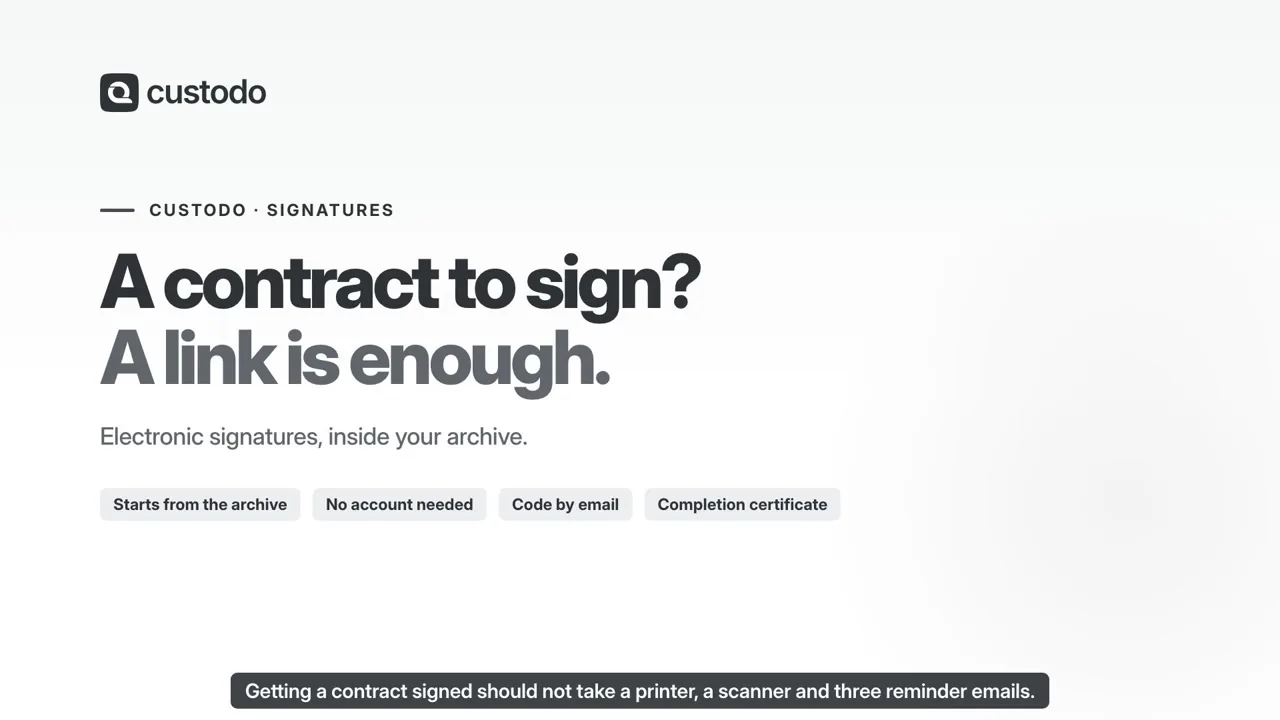
You take a document that is already in the archive, drag the signature box onto the page you want, add the people who have to sign, and send. Your customer or supplier signs from a link they get by email, without registering anywhere. Out comes a legally valid signed PDF under eIDAS, and Custodo tells you in plain words whether the signature checks out — with no second program to open.
In the video · 1:32
- Up to 50 recipients, one after another or all at once: who signs, and who only receives a copy
- Counterparties sign with no account and no password, from a link that works once
- Boxes for signature, initials, date and text wherever you want on the page, decided before you send
- Signing in person on the phone: whoever is with you signs with a finger, at the spot on the page you choose, and gets their copy by email or on WhatsApp
- Proof of who signed, when and from where, in a record that cannot be corrected afterwards
- Automatic reminders to whoever has not signed yet, a deadline on the case, and every opening recorded
- Signing is included in every package, closed by a qualified electronic seal with a timestamp: the package sells the envelopes you send, not the features
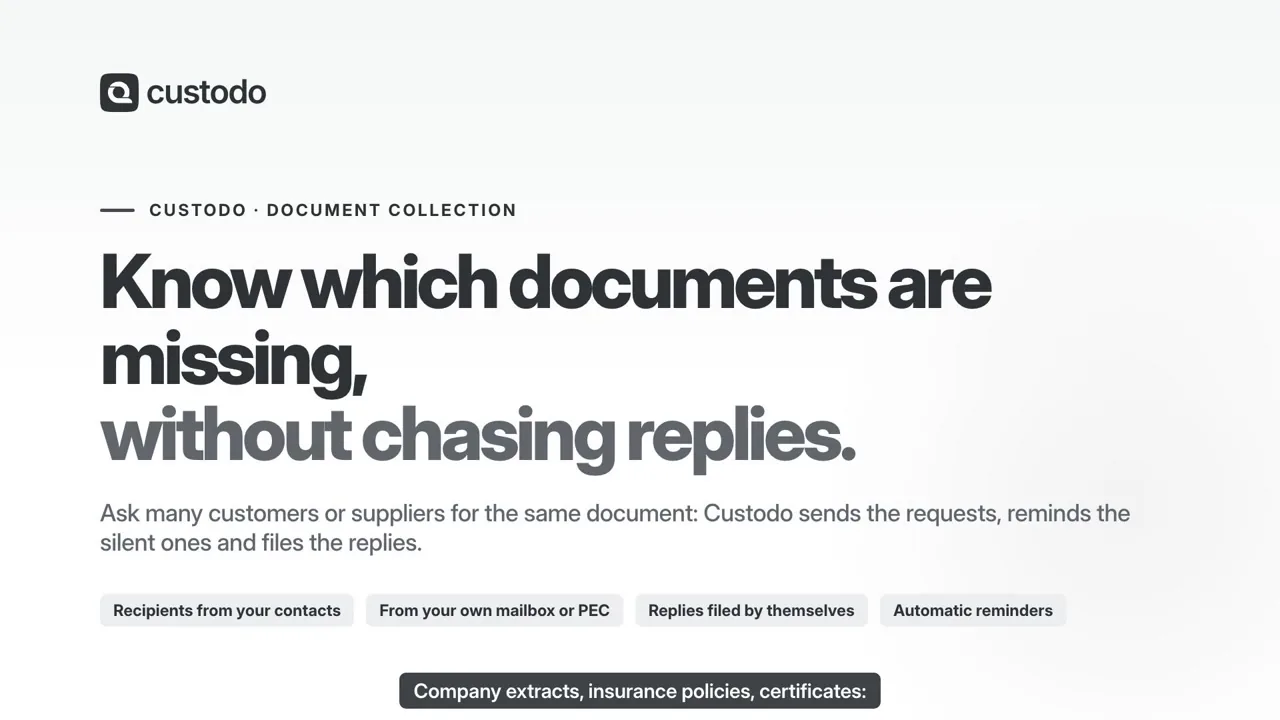
See which documents are missing without chasing replies
Choose what to request and from whom: from Contacts, by hand or from an Excel file. Requests leave from the configured mailbox; replies with attachments are linked to the request and archived.
In the video · 2:04
- One collection for multiple recipients and document types
- Email requests and reminders on your chosen schedule
- Status per recipient: sent, received and still missing
- Replies archived and requested document types identified
- Recipients reply from their own email, without a new account
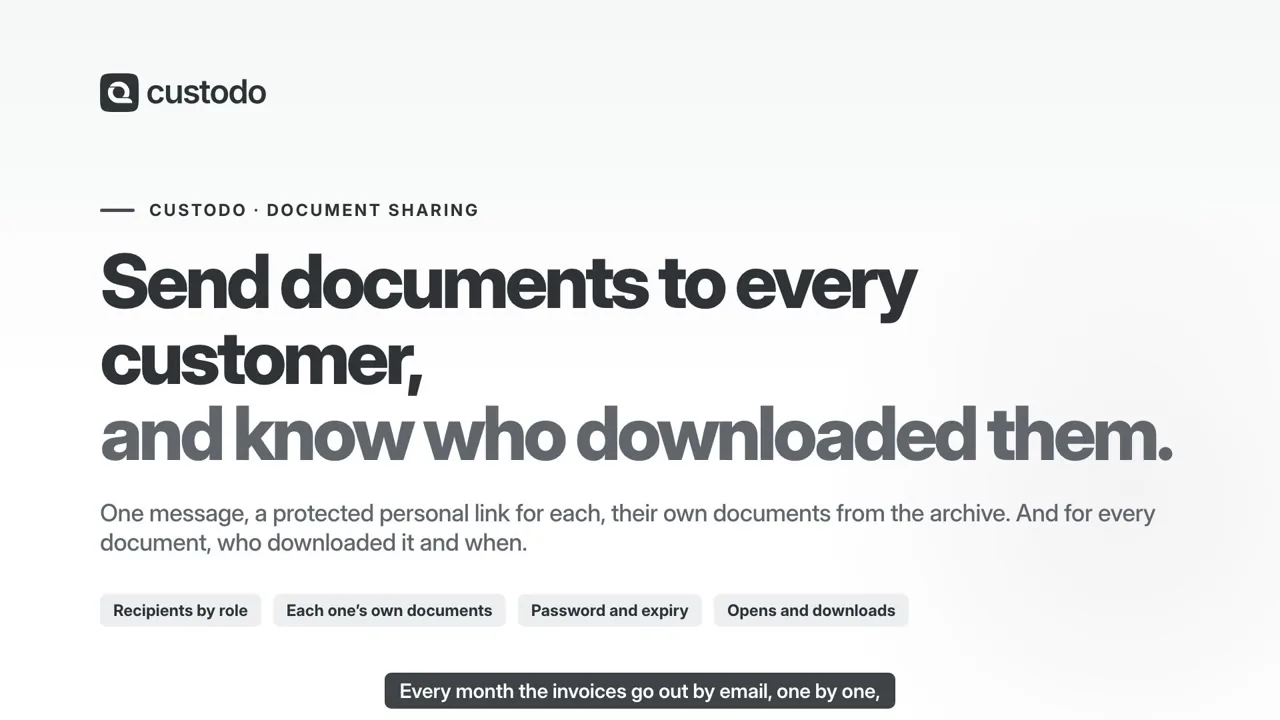
Send documents to every customer and know who downloaded them
Write the message once and pick the recipients from Contacts. Each one gets a personal link, with a password and an expiry, to the Archive documents meant for them: those for everybody and those linked to their contact. No attachments: every opening and every download is recorded.
In the video · 2:15
- Recipients by role from Contacts, one by one or typed by hand
- To each one the documents linked to their contact, even only those of the last days
- A personal link with a password and an expiry, which you can withdraw at any time
- Their area also shows the documents of earlier shares
- Who opened and who downloaded, document by document, with date and time
- Automatic sending every day, week or month
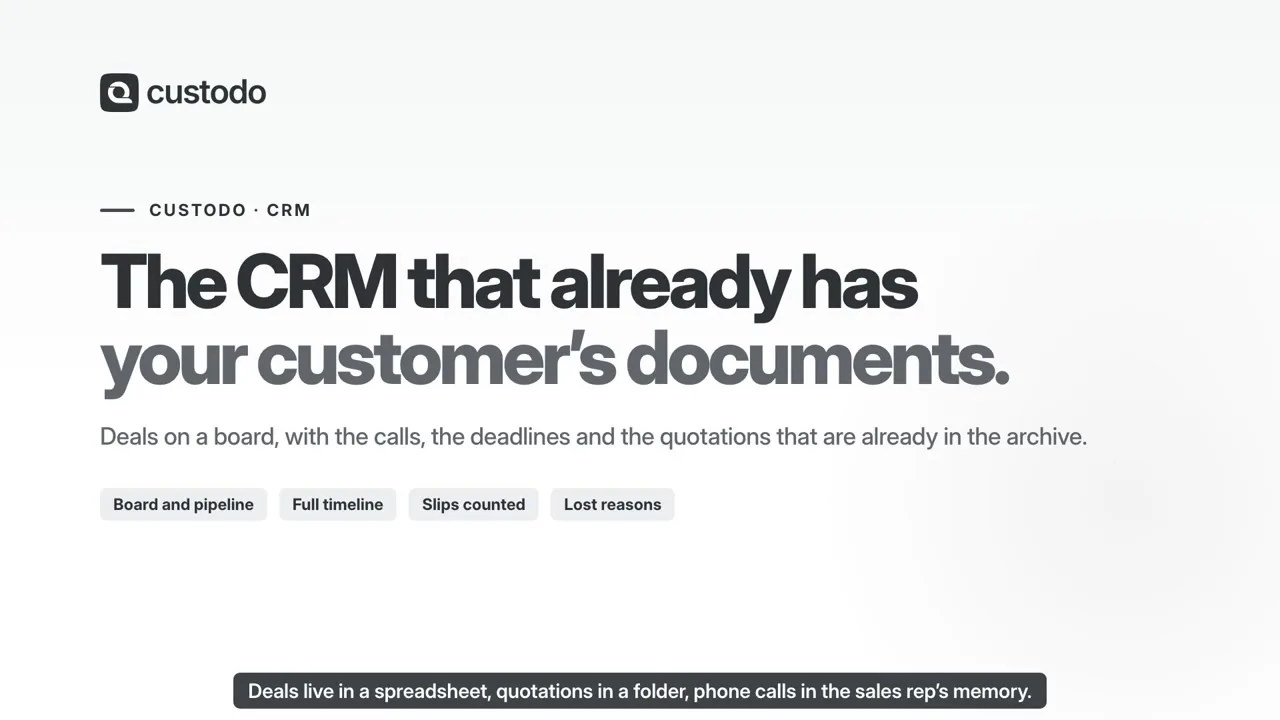
The CRM that already has the customer's documents
A deal is not a card off on its own: the documents already in the archive hang off it — the quote, the contract, the invoices — and when that contract comes back signed the line appears on the timeline by itself. A deal nobody has touched for weeks lands in the same to-do list as the approvals and the signatures, not in a reminder you write yourself. And the customers come from Contacts, the same register the Archive, Mail and Signatures use.
In the video · 1:33
- The archive's documents attach to the deal — quote, contract, invoices — and whatever you send out for signature logs itself on the timeline when it comes back signed
- A board you drag deals across, or a list if you prefer, over several sales routes. Every deal has an amount, a probability and an expected close date
- Every change of stage is recorded with the amount and the date at that moment: this is how «how long it takes to close» becomes a real number instead of an impression
- Calls, meetings, notes and contracts on one timeline — and the email you write to the customer, or they write to you, logs itself on their record
- The customer comes from Contacts: you pick it from the deal or create it on the spot, with the VAT number if you have it — and on its record the deals sit beside the documents and emails about it
- You send the offer from the deal, out of your own mailbox or your PEC, with the documents already attached — and the send stays on the timeline. Plus Excel import and export, the reasons you lost and how many you win
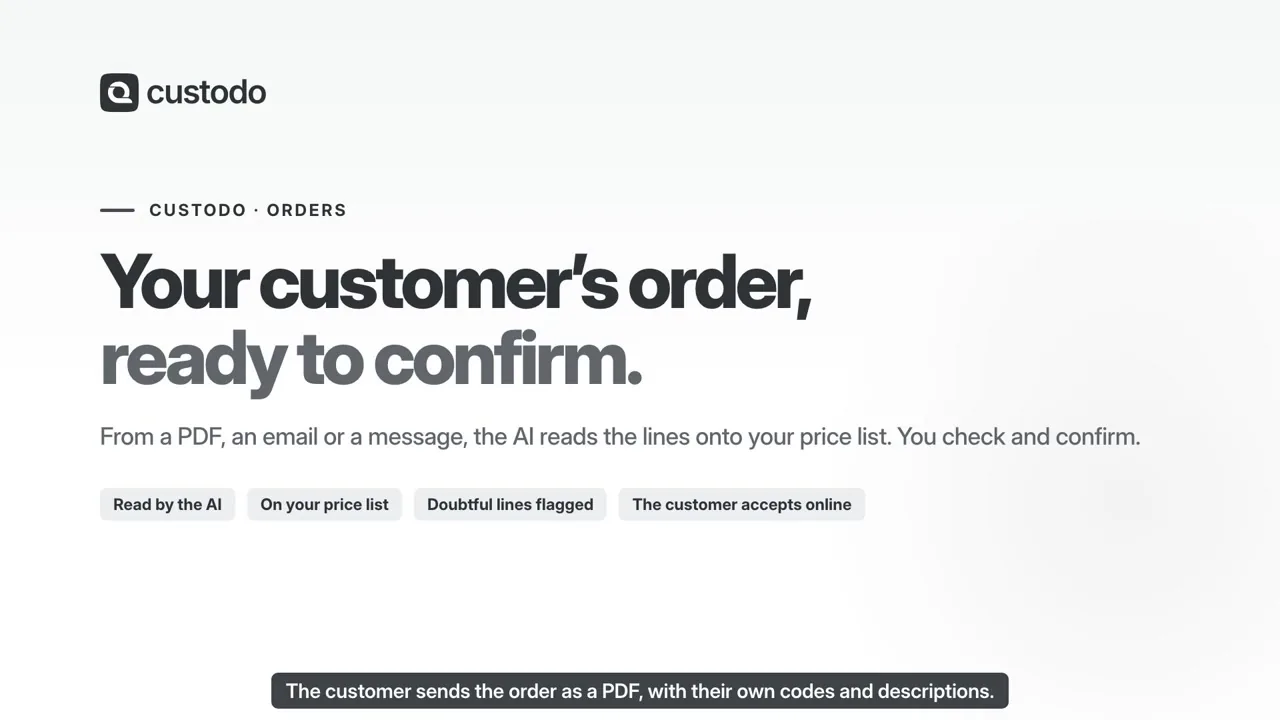
Customer orders, from the email to the order confirmation
The customer orders by email, with a PDF, an Excel sheet or on WhatsApp. On the message you press «Create order»: Custodo reads the order, recognises the customer and matches every line to an article in your catalogue, at the price of their price list. Only the doubtful lines are left for you to check. With «Confirm» the order gets its number, and the PDF order confirmation goes into the Archive, on the customer’s record.
In the video · 1:18
- Create order from an email or a WhatsApp message, from the phone too, or from an Archive document
- The AI reads text, PDFs, photos, scans and Excel: it never invents codes and flags the lines it is not sure of
- Your own catalogue: articles and packs, price lists with quantity breaks and cascading discounts, units of measure and VAT rates
- The customer’s own codes are learnt at every confirmation: next time their line is already matched
- The customer gets a link to follow the order, write a message and accept the confirmation
- On to your ERP as CSV, Excel or UBL Peppol, by webhook or through the API: stock, delivery notes and invoices stay there
Stock that updates itself, from goods in to the delivery note
Every item in the catalogue has its stock: how many you have, how many are already reserved, how many are coming in and how many have to go out. When Orders confirms an order, the delivery is already prepared; on validation the delivery note (DDT) is issued and numbered, with the customer’s signature, and its PDF goes into the Archive by itself. Reorder rules are worked out from consumption and tell you what to buy before it runs out; every arrival takes its own lot, across several shelves too, and a stock count is just typing what you counted.
In the video · 2:55
- Stock and forecast for every item: on hand, free, incoming and outgoing, day by day
- From the order to the delivery: an order confirmed in Orders prepares the delivery with the goods reserved, and once it ships the order shows as shipped
- A delivery note numbered on validation, with parcels, carrier and the customer’s signature; its PDF goes into the Archive, on the customer’s record
- Reorder rules with a minimum and a maximum worked out from consumption, updated every morning: «Reorder» writes the expected receipts from the right supplier, with prices and dates
- Physical inventory and assigned counts: type what you counted and the adjustment is recorded among the moves
- Lots, serial numbers and expiry dates: on arrival the lot is assigned by itself, beside the supplier’s, across several shelves too; picking chooses the shelf and the lot, and traceability reaches the customers who received it; valuation at standard, average or FIFO cost
Your dashboards, on the data you already have
The numbers come from the work of the day: deals, documents, approvals, signatures. You put on the page what you care about, pick the period once for all of them, click a column and the rest narrows. What you click is not saved: a colleague poking around a published page changes nothing for anyone.
In the video · 1:14
- What the pipeline is worth, how many deals are overdue, how many get won, how long a request takes to close
- A period and filters chosen once for the whole page; the views you use every day stay saved
- Comparison against last month or last year, and the option to break it down by salesperson, by type, by customer
- You click a number and the documents, deals or requests it came from open
- You share it with the company: each person only sees the numbers they are entitled to
- The numbers update themselves from what you do in the archive, in mail, in deals — there is no spreadsheet to keep in line
Everything the product does, callable from your own software
One key, one address, and every function of Custodo is available to your line-of-business system or your script: file a document, search the archive, open an approval, send certified mail. They are exactly the same operations an AI assistant sees — there is no second API with different rules — and when something happens here we call your system, with a signed webhook.
In the video · 1:27
- A key never exceeds the person who created it: take a permission away from them tomorrow and the key loses it on the next call
- Narrow it as far as you like: only certain modules, a ceiling per minute and per day, the addresses it may be presented from, and destructive actions off until you turn them on
- We generate the documentation from the same schema the server validates against: what you read is what it accepts
- Signed webhooks — document processed, mail received, envelope signed, deal won — with an HMAC signature, five attempts and a log of what arrived where
- We only deliver to public addresses, over https, and we re-check that on every delivery: your internal network is not reachable from here
- A log of every call — who, what, how it went, what it cost — that nobody can edit